Web App
The Muorg web app is a browser UI (Vue 3 + Vite) that connects to a muorg-server. It is mobile-first, installable as a PWA, and mirrors the Android app's experience without an app store.
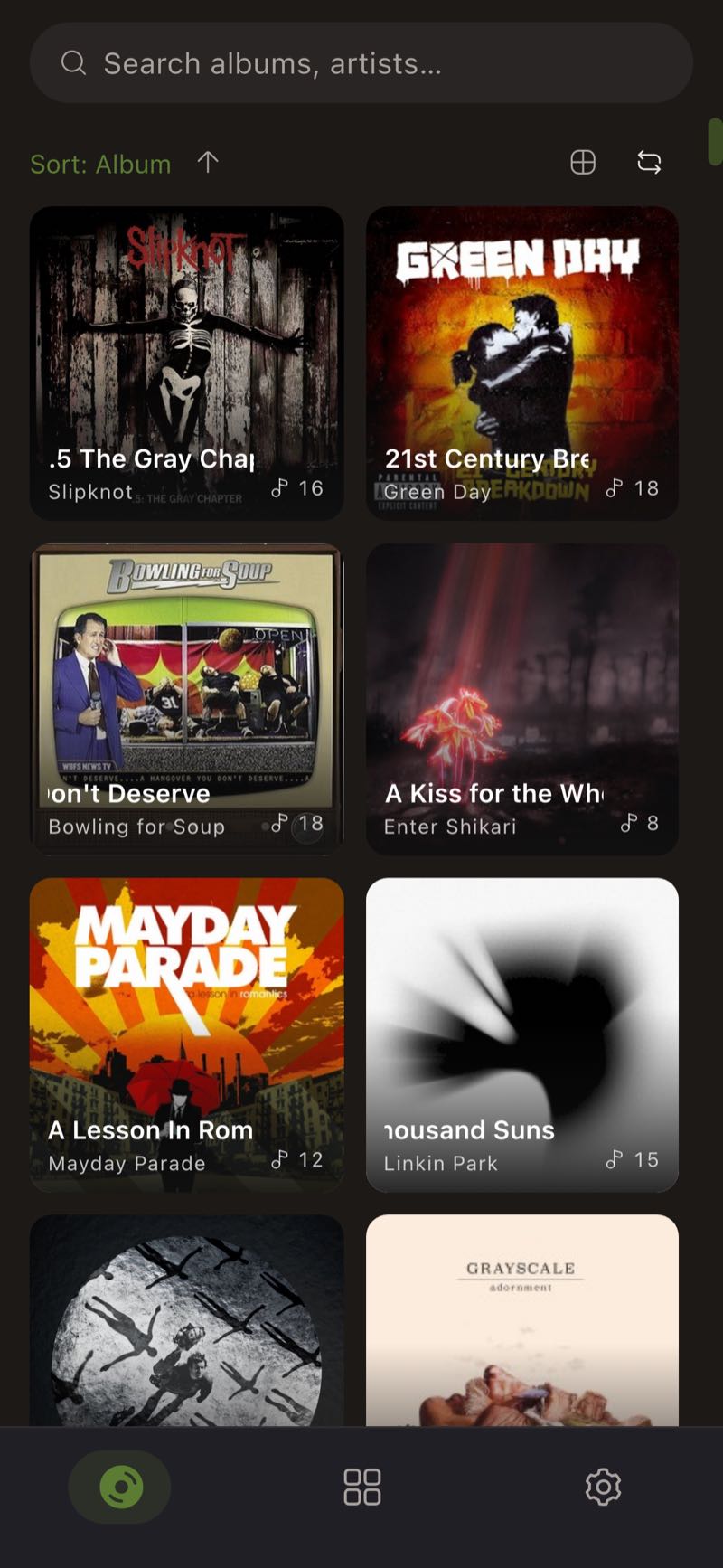
Connecting to a server
On first load the app asks for:
- Server URL — e.g.
http://192.168.1.50:7700 - API key — the
api_keyfrom yourmuorg-server.toml
Both are saved in your browser's local storage and can be cleared again with Settings → Log out.
There is no VITE_API_URL or any other environment variable that points the web app at a server. The image is a plain static build; the connection is always entered by the user in the browser.
The server's default allowed_origins only permits the desktop app. Before a browser can talk to your server, set allowed_origins in [cors] to ["*"] (LAN use) or to the web app's exact origin. See Configuration.
Deploying
Docker Compose with the server (recommended)
The repository's docker-compose.yml runs the server on 7700 and the web app on 7800:
curl -O https://raw.githubusercontent.com/Nergy101/Muorg/main/docker-compose.yml
curl -O https://raw.githubusercontent.com/Nergy101/Muorg/main/server/muorg-server.example.toml
cp muorg-server.example.toml muorg-server.toml
# edit muorg-server.toml — api_key, content_paths, allowed_origins
docker compose up -d
Open http://<host>:7800.
Docker on its own
docker run -d -p 7800:80 ghcr.io/nergy101/muorg-web:latest
The container serves the static build with nginx on port 80; map it wherever you like.
Static hosting
The build output is a plain static site — host it on any web server, S3 bucket or CDN:
cd web-client
pnpm install
pnpm build
# serve dist/
The app uses hash-based routing, so no server-side rewrite rules are required.
Feature tour
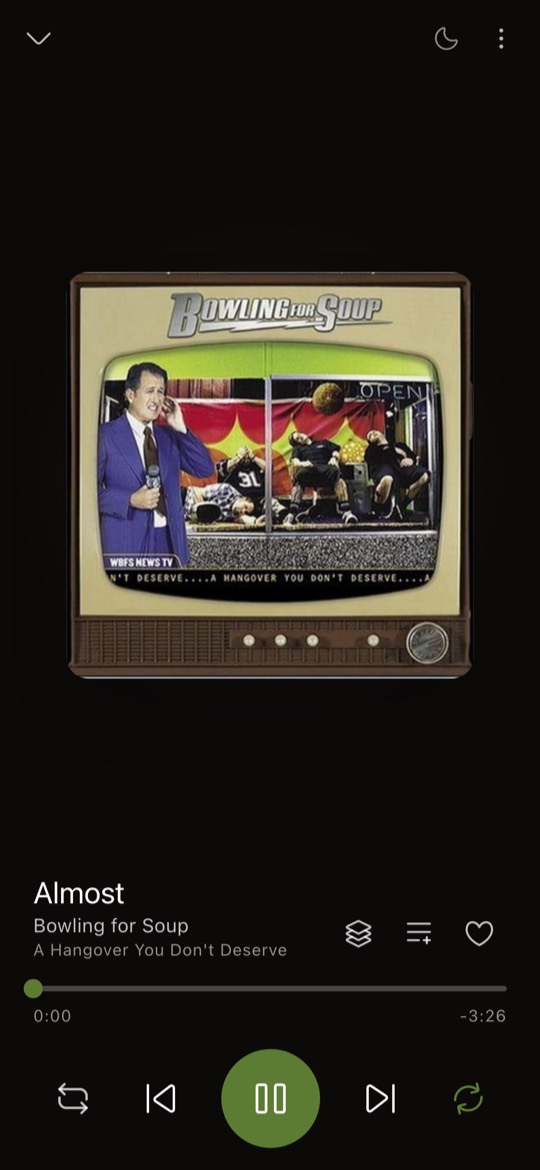
The full-screen player shows album art with a dominant-colour backdrop, seek bar and transport controls, and can toggle to synced lyrics when a track has them.
The bottom bar has four tabs — Home, Library, Playlists and Settings. The queue and full player are reached from the mini player.
Library
- Album grid, album list and flat track list layouts, cycled from the toolbar; long lists are virtualized.
- Search across albums and artists, with recent searches kept as chips you can re-run or clear.
- Sort by album, artist or year, ascending or descending, plus a genre filter.
- Shuffle all plays everything currently filtered.
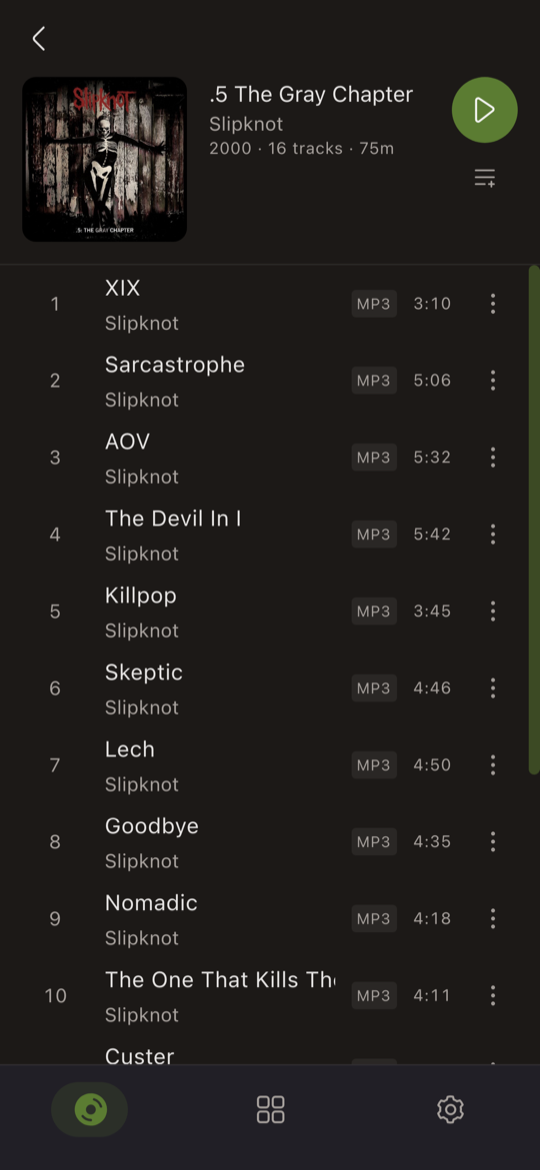
- Tap an album for its tracks; add a whole album to a playlist in one action.
- Track actions: favourite, add to playlist, add to/remove from queue, view artist, view album, track info, and edit metadata (title, artist, album, album artist, genre, year).
Playlists
- Create playlists with a name and an emoji icon; pin the ones you use most to the top.
- Smart playlists — create and edit rules right in the browser. Rules cover
rating,play count,genre,year,artist,album,title,last playedandhas cover. - Regular playlists support drag-to-reorder with an explicit save; smart playlists are ordered by their rules instead.
Player and queue
- Full-screen player with large artwork, a background glow derived from the cover, draggable seek bar, shuffle, repeat (including repeat-one), and a favourite toggle.
- Sleep timer with presets from 5 to 90 minutes.
- Queue view with drag-to-reorder, a shuffle toggle and clear-all.
Settings
Version and update status, install-as-app prompt, playback behaviour (continuous playback, what tapping the mini player does), default library sort and layout, theme (dark / light / follow system, plus a true-black OLED mode), library statistics, server URL, refresh library, and log out.
PWA and offline behaviour
- Installable — from the browser's install prompt on Android and desktop Chrome, or Share → Add to Home Screen on iOS. Settings shows an Install app row when installation is possible.
- Offline — the app shell is precached, so it opens without a network. API calls and audio streams are never cached: with the server unreachable you get an offline banner, the library is whatever was already loaded, and playback will fail.
- Updates — a new deployment does not reload you mid-listen. A banner appears saying a new version is available with a Refresh now button (also in Settings); the app checks again every 30 minutes while open.
- Gestures — swipe horizontally between the tabs; when installed as a PWA, swipe from the left edge to go back.
See Version Compatibility for which client versions work with which server versions.